Rust UGC — Steam & EAC Account Recovery
Appeals for banned Rust accounts

Player ESP & wallhack — See enemies, sleepers and world loot through walls with distance tags for safer PvP on Official and Community.
At a glance
Rust UGC — Steam & EAC Account Recovery Rust cheat capabilities
What Rust UGC — Steam & EAC Account Recovery focuses on for Steam Rust before you open the full module list.
Plus 6 additional modules in the operator portal—see the full list below.
Overview
Built around account recovery and appeal workflows
How this Rust build fits Official, Community, and wipe-day workflows.
UGC (Unban & Governance Control) helps you recover restricted gaming, social and marketplace accounts with structured appeal workflows and automation—not instant unban guarantees.
Build custom dispute paths, track case status and rebuild your presence with smart restriction-management tools. Support walks you through each step via Discord when you need hands-on help.
What UGC covers
UGC (Unban & Governance Control) is an appeal workspace for Steam restrictions, EAC and server bans, trade holds and security flags. Build custom workflows, automate dispute steps and track case status from one dashboard—not a guaranteed unban service.
Realistic expectations
Some EAC bans cannot be reversed. UGC organizes evidence and follow-ups for Facepunch and server-owner review. Pair with [HWID Spoofer](/products/rust-cheats/hwid-spoofer/) when hardware is flagged, or a new account when reputation is burned.
Modules
What's included in Rust UGC — Steam & EAC Account Recovery for Rust
Every Rust module and overlay shipped with Rust UGC — Steam & EAC Account Recovery—toggle and tune in the operator portal.
- Custom appeal workflows
- Restriction dispute automation
- Case documentation templates
- Status tracking dashboard
- Identity verification guide
- Evidence upload structure
- Timeline tracker
- Follow-up response templates
- Multi-platform support
Experience
In the client · After you buy
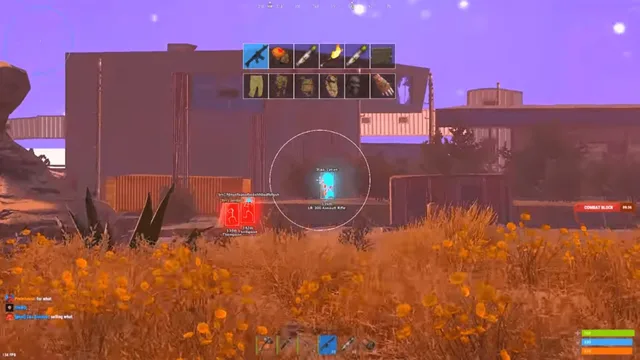
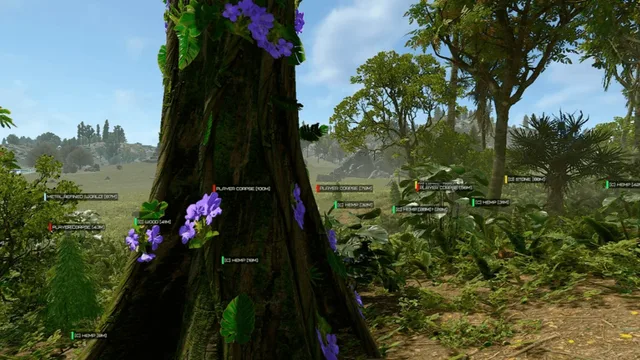
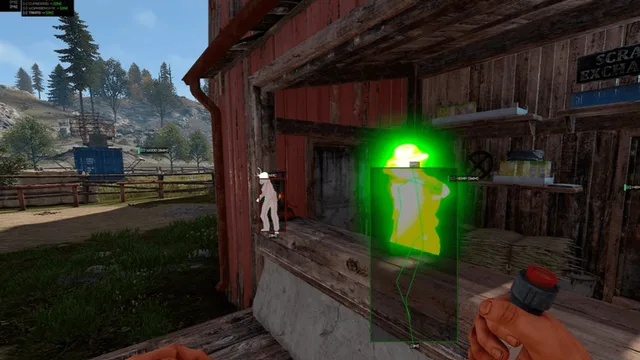
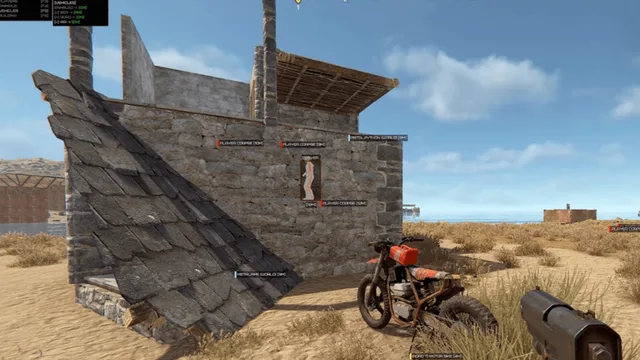
Use the screenshots above for Rust UGC — Steam & EAC Account Recovery—below is what each layer means and how access works after checkout.
In-game layers
- Layer A
Player ESP & wallhack
See enemies, sleepers and world loot through walls with distance tags for safer PvP on Official and Community.
- Layer B
Skeleton ESP suite
Bone ESP, NPC boxes and building toggles for cupboard, workbench and trap awareness mid-raid.
- Layer C
Radar & world awareness
Long-range player, sleeper and corpse markers keep you oriented before you push monuments or beaches.
Guides
Rust buy guides for Rust UGC — Steam & EAC Account Recovery
Curated Rust articles for setup, tuning, and patch-day checks that match this product.
EAC failed to initialize is usually not a ban. Quick checks first, then when to buy UGC appeal workflows or HWID Spoofer. Then get access to Rust cheats.
Hardware flagged after an EAC ban? Buy Rust HWID Spoofer, compare it to a new account, and see when UGC appeal help fits. Checkout at rust-cheats.net.
Step-by-step: choose Lite, Pro or Elite, pay at secure checkout and get portal access. The 2026 walkthrough for buying undetected Rust cheats.
Admin console codes only work where you are admin. Buy undetected Rust cheats with ESP and aimbot for Official and Community servers—compare tiers and get access.
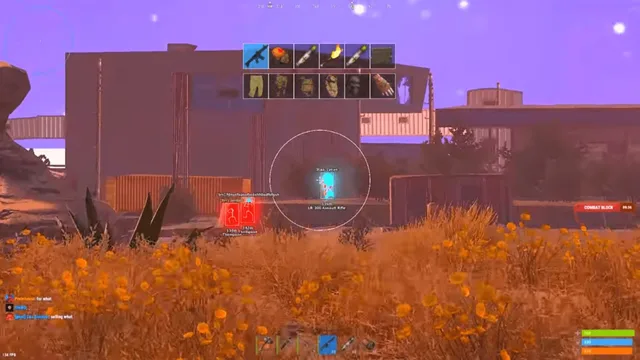
Outgrown private-server practice? Buy undetected Rust ESP and aimbot for live PvP. Compare Lite, Pro and Elite and get access in minutes.
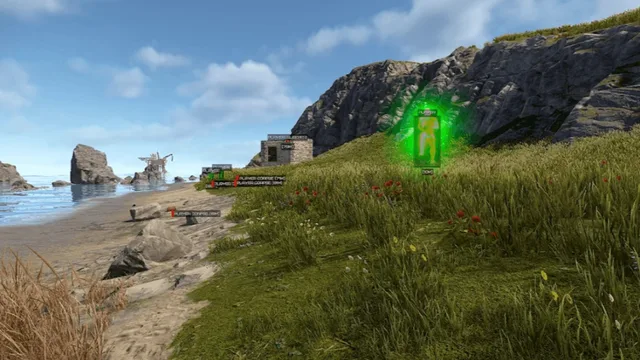
Bought Rust cheats? Portal login, loader download, conservative presets and first-launch checks so your ESP and aimbot run on Official and Community servers.
FAQ
Questions about this page
Answers tied to what you are reading—visit the FAQ page for every topic.